





Time:2025-12-03 Views:1
20kW Solar Battery Maintenance Guide
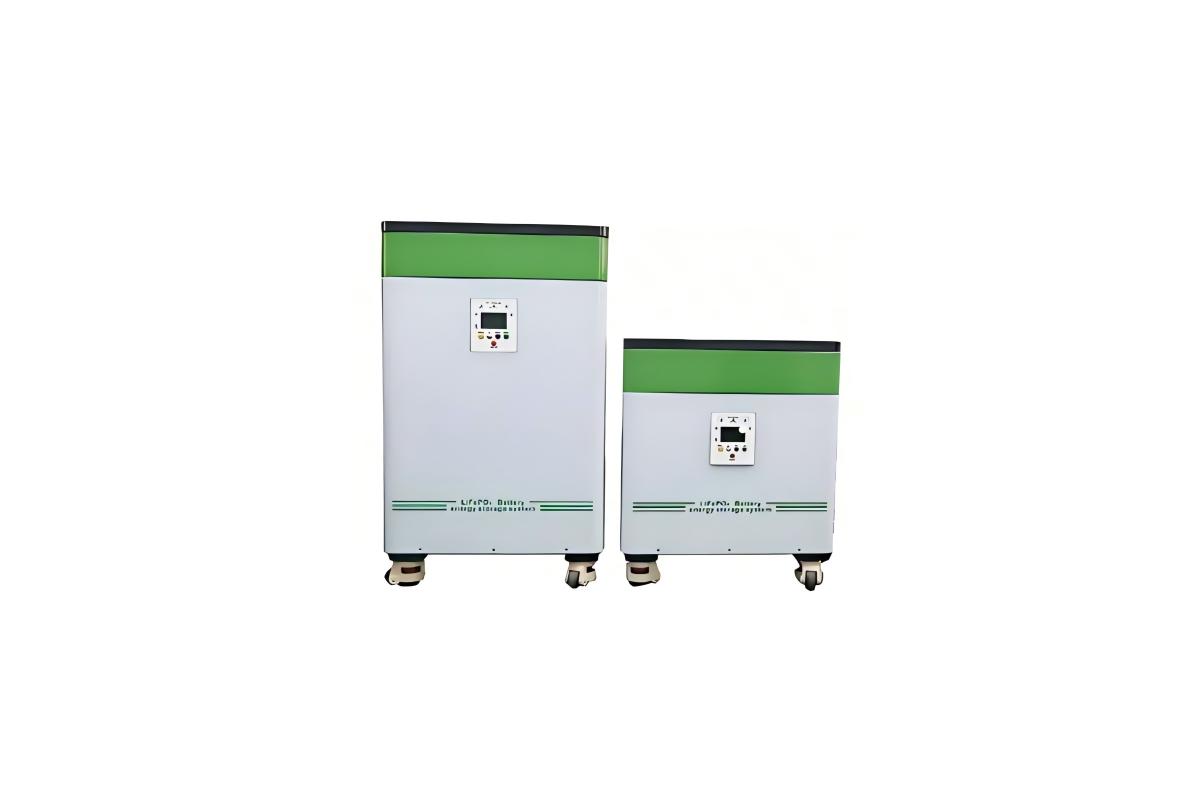
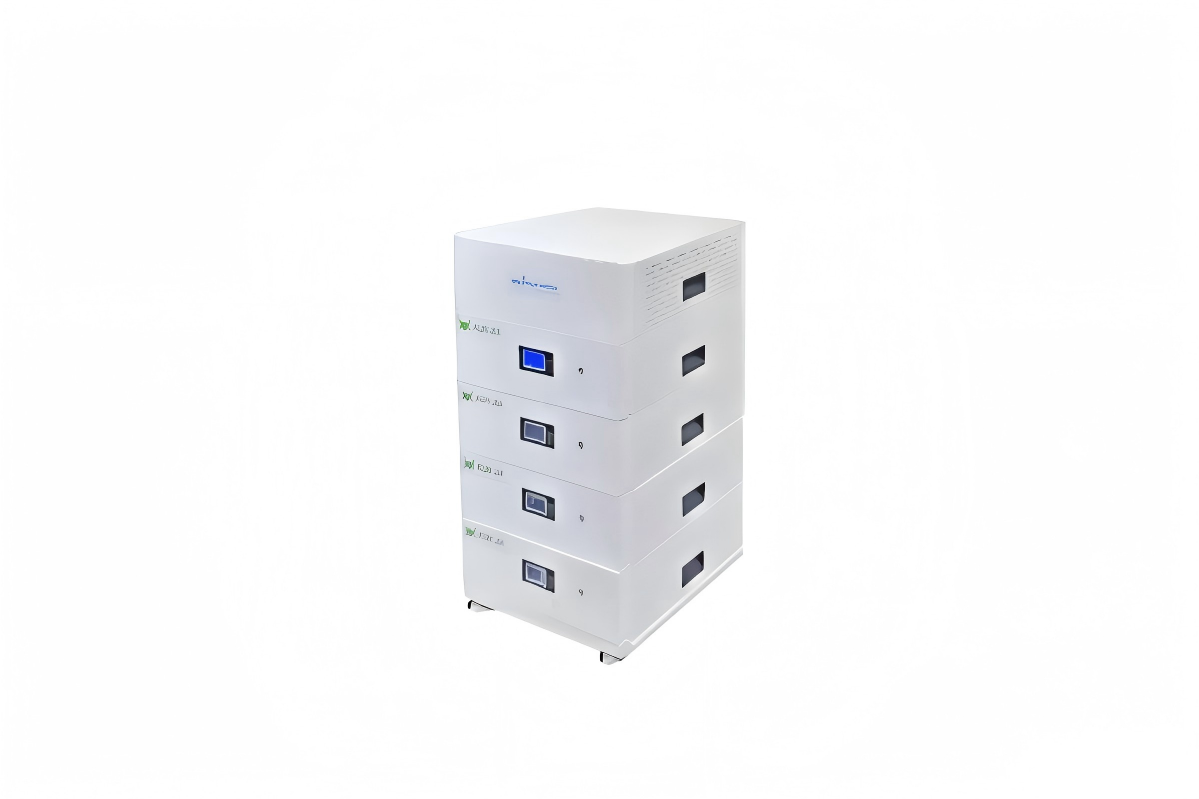
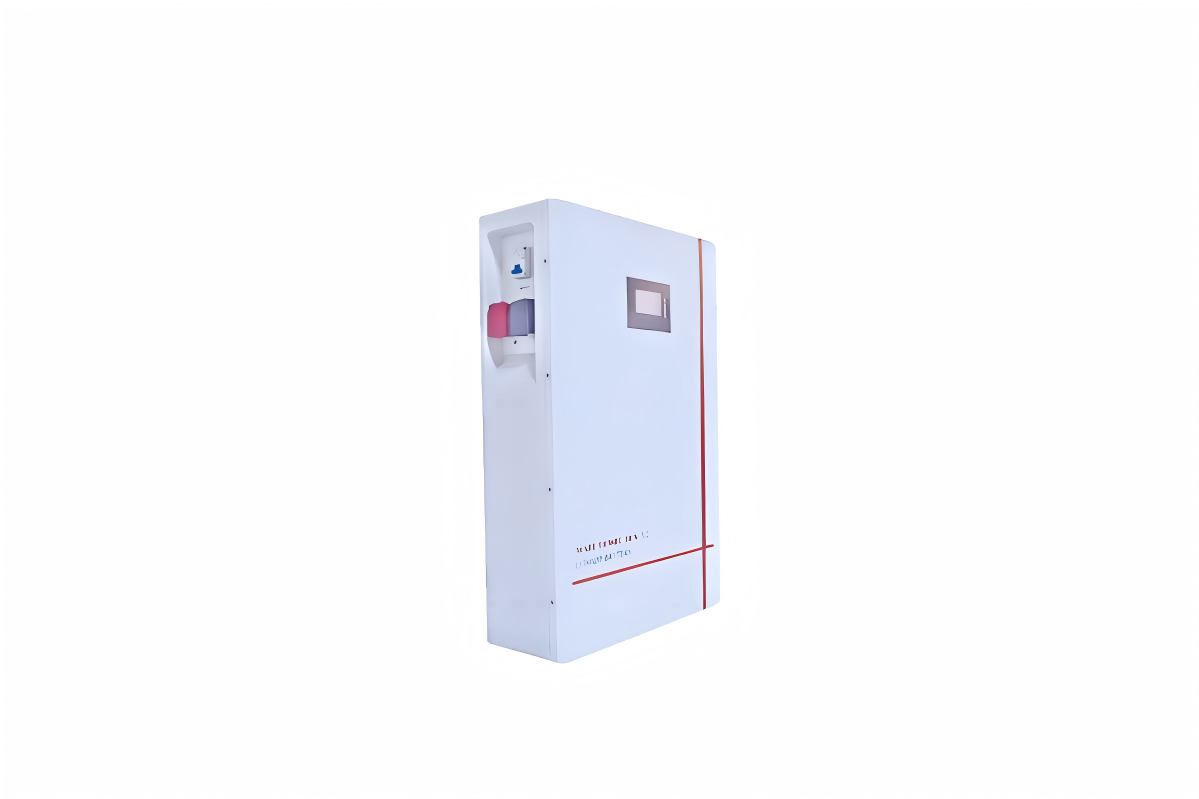
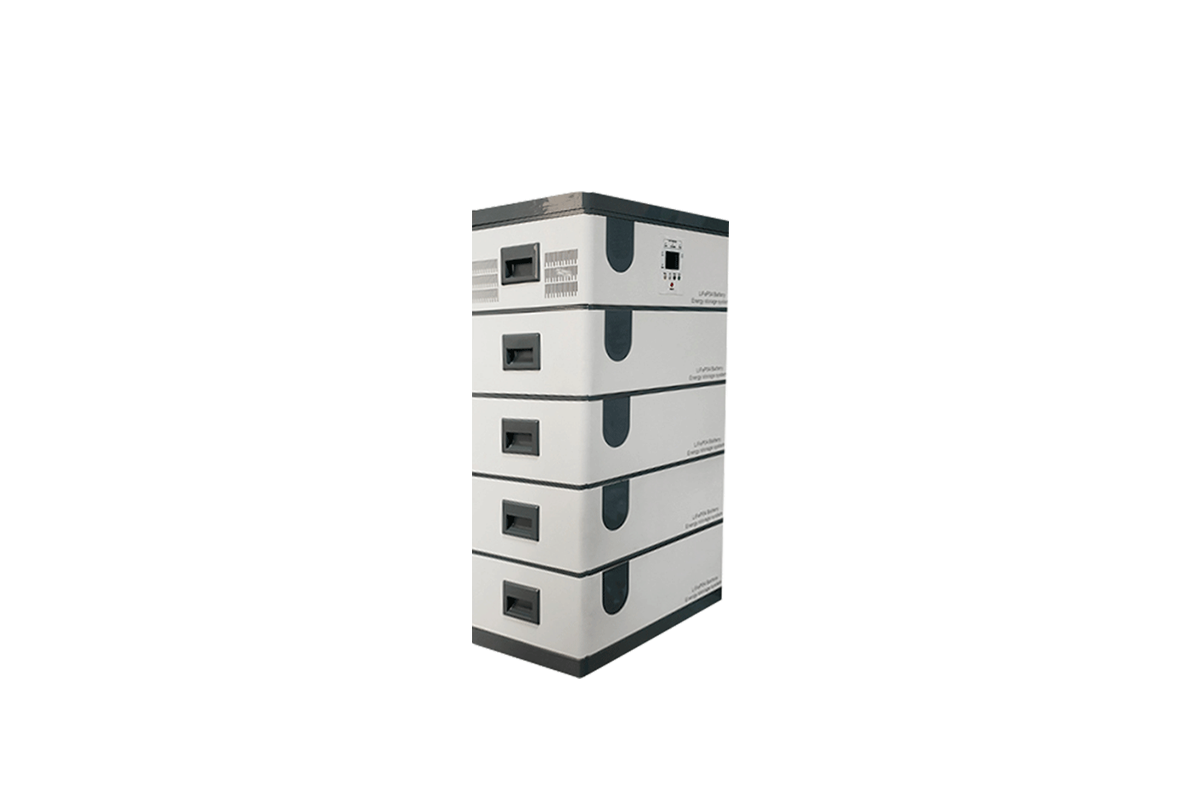
The 20kW solar battery system (taking mainstream LiFePO₄ battery banks as an example) has more battery cells (~160 cells) and higher power density than smaller systems, so its maintenance requires targeted operations to address issues like cell consistency, heat accumulation, and BMS (Battery Management System) stability. This guide covers core maintenance content for all stages of the system’s lifecycle.
I. Maintenance Objectives & Safety Premises
1. Core Maintenance Objectives
Extend lifespan: Control capacity decay to ≤20% within 8–10 years (for LiFePO₄ batteries).
Ensure efficiency: Maintain round-trip efficiency at ≥90% (avoiding efficiency drops due to dust, loose connections, etc.).
Prevent safety hazards: Eliminate risks of overheating, short circuits, or electrolyte leakage.
2. Safety Preparation Before Maintenance
Power-off procedure: First turn off the PV array input switch → then turn off the battery bank DC switch → finally turn off the inverter AC switch (wait 5 minutes for residual power to discharge before operation).
Protective equipment: Wear insulated gloves (rated ≥1000V), anti-slip shoes, and safety glasses; avoid wearing metal jewelry (e.g., rings, necklaces) to prevent short circuits.
Tool preparation: Use insulated screwdrivers, a multimeter (with DC voltage range ≥1000V), a thermal imager (for temperature detection), and a dry cloth (avoid using water or conductive cleaning agents).
Prohibition: Do not open the battery cell casing (risk of electrolyte leakage or combustion); do not touch exposed terminals with bare hands.
II. Daily & Weekly Routine Maintenance (User-Operable)
1. Daily Inspection (5–10 Minutes/Day)
BMS Data Monitoring: Check the system display or mobile app for key parameters:
Cell voltage: Ensure no single cell voltage deviates by >0.1V from the average (e.g., if average voltage is 3.2V, no cell should be <3.1V or >3.3V).
Battery temperature: Confirm the battery bank’s surface temperature is 15–30℃ (if it exceeds 35℃, activate the cooling system immediately).
SOC (State of Charge): Avoid long-term operation at SOC <20% (over-discharge) or SOC >90% (over-charge); maintain daily operating range at 30%–80% DoD (Depth of Discharge).
Visual Check: Inspect the battery cabinet/rack for abnormal sounds (e.g., buzzing, hissing) or odors (e.g., burnt plastic, acidic smell)—if detected, power off immediately and troubleshoot.
2. Weekly Maintenance (30–40 Minutes/Week)
Environment Cleaning: Use a dry cloth to wipe dust off the battery cabinet vents, cooling fans, and inverter surface (blocked vents reduce heat dissipation efficiency by 30%–50%).
Load Check: Confirm that high-power loads (e.g., EV chargers, industrial machinery) are not connected to the battery system for more than 4 hours continuously (long-term high load increases cell aging speed).
Grid Connection Test: For grid-connected systems, check the "grid connection status" indicator on the inverter—ensure it stays green (red or flashing indicates a grid compatibility issue, requiring contact with the grid company).
III. Regular Maintenance (Monthly/Quarterly/Annual)
1. Monthly Maintenance (1–1.5 Hours/Month)
Terminal Inspection: Open the battery cabinet and check all DC terminal connections (between cells, cell groups, and the inverter):
Tighten loose terminals with an insulated screwdriver (torque: 8–10 N·m for copper terminals; avoid over-tightening to prevent terminal damage).
Wipe off oxide or corrosion on terminals with a dry cloth dipped in alcohol (corrosion increases contact resistance, leading to local overheating).
Cooling System Test: Activate the cooling fan/air conditioner of the battery cabinet and use a thermal imager to detect air outlet temperature—ensure the temperature difference between the battery surface and the outlet is ≤5℃ (if >8℃, clean the fan filter or replace the fan).
2. Quarterly Maintenance (2–3 Hours/Quarter)
BMS Calibration:
Connect a professional BMS calibration tool to the system (follow the manufacturer’s software guidelines).
Calibrate parameters like cell voltage balance, SOC accuracy, and temperature detection (inaccurate BMS can cause 5%–10% faster capacity decay).
Export BMS operation logs and check for abnormal records (e.g., frequent over-temperature alarms, voltage imbalance warnings)—analyze causes and adjust maintenance plans.
Battery Capacity Spot Check:
Select 10% of cells (e.g., 16 cells in a 160-cell bank) and use a capacity tester to measure their actual capacity.
If any cell’s capacity is <85% of the rated capacity, mark it for recheck in the next month (if it drops to <80%, replace the cell to avoid affecting the entire bank).
3. Annual Professional Maintenance (4–6 Hours/Year, Done by Technicians)
Full Capacity Test: Discharge the entire 20kW·h battery bank to 20% SOC at a constant current (10A) → charge to 90% SOC at 0.5C current (10A for 20kW·h batteries) → calculate actual capacity (if actual capacity <80% of rated, evaluate whether to replace the battery bank).
Inverter Maintenance:
Inspect the inverter’s internal capacitors for bulging or leakage (capacitor failure is a common cause of inverter shutdown).
Test the inverter’s protection functions (over-voltage, over-current, islanding protection) to ensure they trigger normally.
Cable & Insulation Check: Use a megohmmeter to test the insulation resistance of DC cables (should be ≥10MΩ at 500V DC) → replace cables with resistance <5MΩ to prevent leakage.
IV. Seasonal Maintenance (Targeted Protection)
1. Summer Maintenance (High-Temperature Protection)
Increase cooling frequency: Set the cooling fan to "auto" mode (activate when temperature >28℃) instead of "on-demand" mode.
Avoid peak-hour charging: Charge the battery between 9:00–11:00 and 15:00–17:00 (avoid 12:00–14:00, when ambient temperature is highest, to reduce heat generation during charging).
Clean vents twice a week: Summer dust accumulation is faster—blocked vents can cause battery temperature to rise by 8–12℃, accelerating aging.
2. Winter Maintenance (Low-Temperature Protection)
Enable heating function: If the system has a battery heating module, activate it when ambient temperature <5℃ (maintain battery temperature at ≥10℃ for charging, as low temperatures reduce charging efficiency by 1%–2% per ℃ below 0℃).
Reduce deep discharge: Limit DoD to ≤60% (avoid discharging to <30% SOC, as low temperatures increase the risk of irreversible capacity loss).
Check for frost: Wipe frost off the battery cabinet surface (frost melting can cause moisture to enter the cabinet, leading to short circuits).
3. Rainy Season Maintenance (Moisture Protection)
Seal cabinet gaps: Use waterproof tape to seal gaps around the battery cabinet door and cable inlets (prevent rainwater infiltration).
Test humidity: Use a hygrometer to check the cabinet’s internal humidity (keep <60%; if >70%, place a desiccant bag inside).
Inspect grounding: Ensure the battery bank’s grounding resistance is ≤4Ω (moisture can increase grounding resistance, reducing lightning protection effectiveness).
V. Common Fault Troubleshooting
1. BMS Alarms "Cell Voltage Imbalance"
Possible causes include loose terminals, faulty cells, or BMS calibration errors. Troubleshooting steps are as follows: First, power off the system and re-tighten all terminals; second, use a multimeter to test the voltage of each cell, and replace cells with a voltage deviation exceeding 0.2V from the average; finally, re-calibrate the BMS to ensure accurate voltage detection.
2. Battery Temperature Exceeds 40℃
This fault may be caused by cooling fan failure, blocked vents, or long-term overload. To troubleshoot: First, stop the battery’s charging and discharging process and activate the emergency cooling function; second, check the cooling fan—replace any faulty units; third, clean the vents to remove dust and debris that block heat dissipation; fourth, reduce the system load by turning off non-essential high-power devices (e.g., unused EV chargers, industrial machinery).
3. Capacity Drops by More Than 10% in 1 Year
Frequent over-charging/over-discharging, long-term operation in high-temperature environments, or poor-quality battery cells are common causes. The solution involves: First, adjust the BMS parameters to limit the SOC operating range to 30%–80%, avoiding over-charge and over-discharge; second, strengthen thermal management (e.g., add an air conditioner to the battery cabinet) to keep the battery temperature within 15–30℃; third, replace cells with capacity decay exceeding 20% of the rated capacity to prevent further impact on the entire battery bank.
4. Inverter Cannot Connect to the Battery
Potential reasons are a tripped DC switch, loose DC cables, or excessively low battery voltage. Troubleshooting steps: First, check if the DC switch is in the "on" position—reset it if tripped; second, inspect the DC cables connecting the battery and inverter, and re-tighten any loose connections; third, if the battery voltage is too low (SOC <20%), use a backup charger to charge the battery to SOC >30% before re-connecting to the inverter.
VI. Battery Retirement & Environmental Disposal
When the battery’s actual capacity drops to <80% of the rated capacity (or after 8–10 years of use for LiFePO₄), follow these steps for retirement:
Safe discharge: Discharge the battery to SOC <5% (use a dedicated discharge device to avoid short circuits).
Manufacturer recycling: Contact the battery manufacturer (e.g., CATL, BYD) or local certified recycling companies (do not discard in domestic waste—lithium batteries contain toxic substances if mishandled).
Data erasure: Clear BMS operation logs and user data to protect privacy (especially for commercial systems with sensitive electricity consumption data).
VII. Key Maintenance Reminders
Follow manufacturer guidelines: Different brands of 20kW batteries may have specific maintenance requirements (e.g., some require quarterly electrolyte level checks for lead-acid variants)—always refer to the product manual.
Record maintenance logs: Document inspection dates, parameters (voltage, temperature, SOC), and fault handling (e.g., "2024-10-05: Cleaned vents, replaced 2 cooling fans, cell voltage average 3.21V")—help track system health.
Professional support: For complex faults (e.g., internal short circuits, BMS system failure), do not disassemble the battery bank—contact certified technicians to avoid safety risks.
By adhering to this maintenance guide, you can effectively control the 20kW solar battery’s capacity decay rate, extend its service life to 10–12 years (for LiFePO₄), and ensure the system operates safely and efficiently throughout its lifecycle.




 59911926@qq.com/sales@goldenfuturehk.com
 13316809242 / 15816897019
 Inquiry
 Home >